

Here is a movie of the latest castle destruction sequence – which use Pulse Coil Modulation (via software pulses to the coils) …
[youtube]https://www.youtube.com/watch?v=hSFONOypnY4[/youtube]
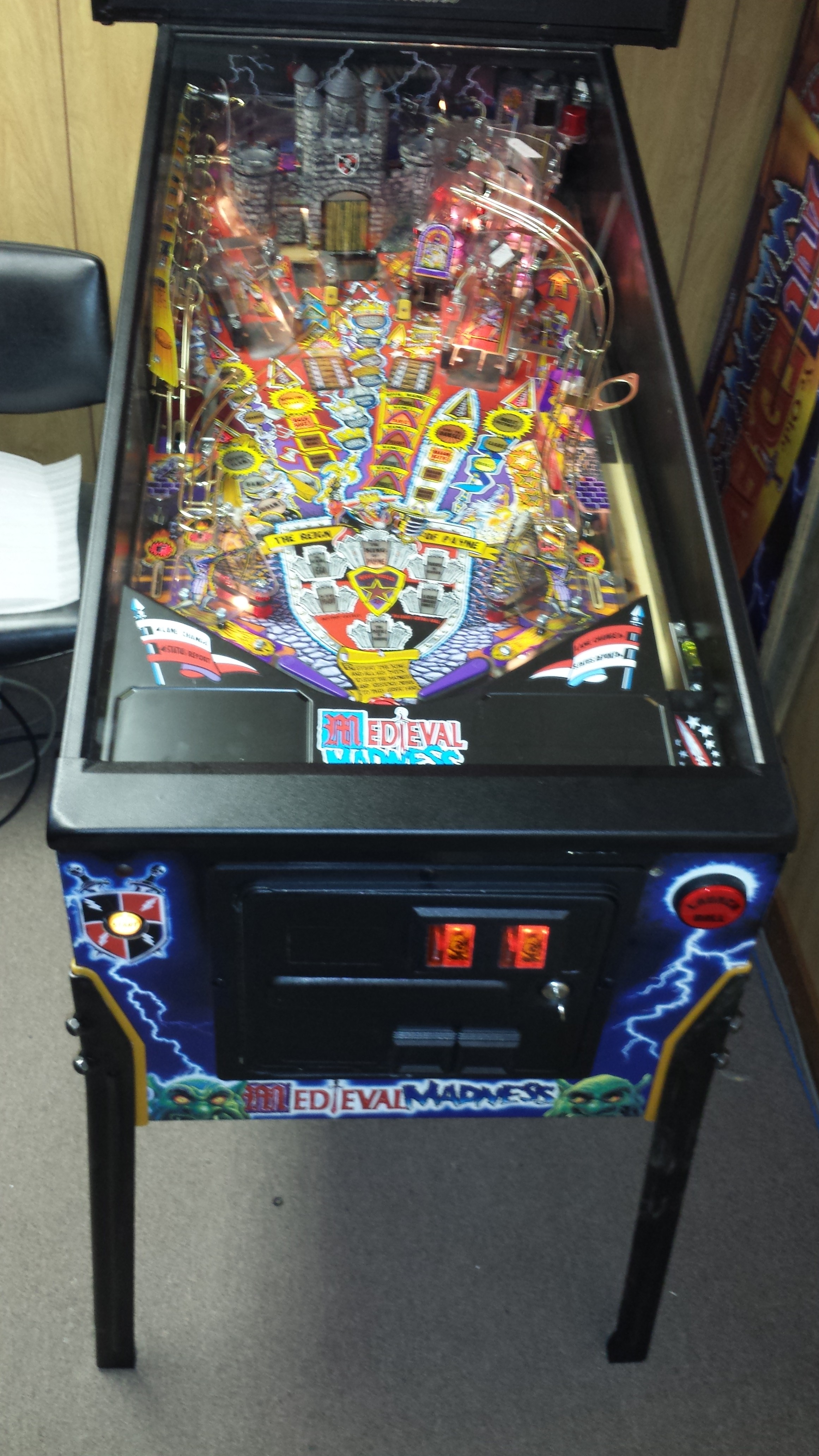
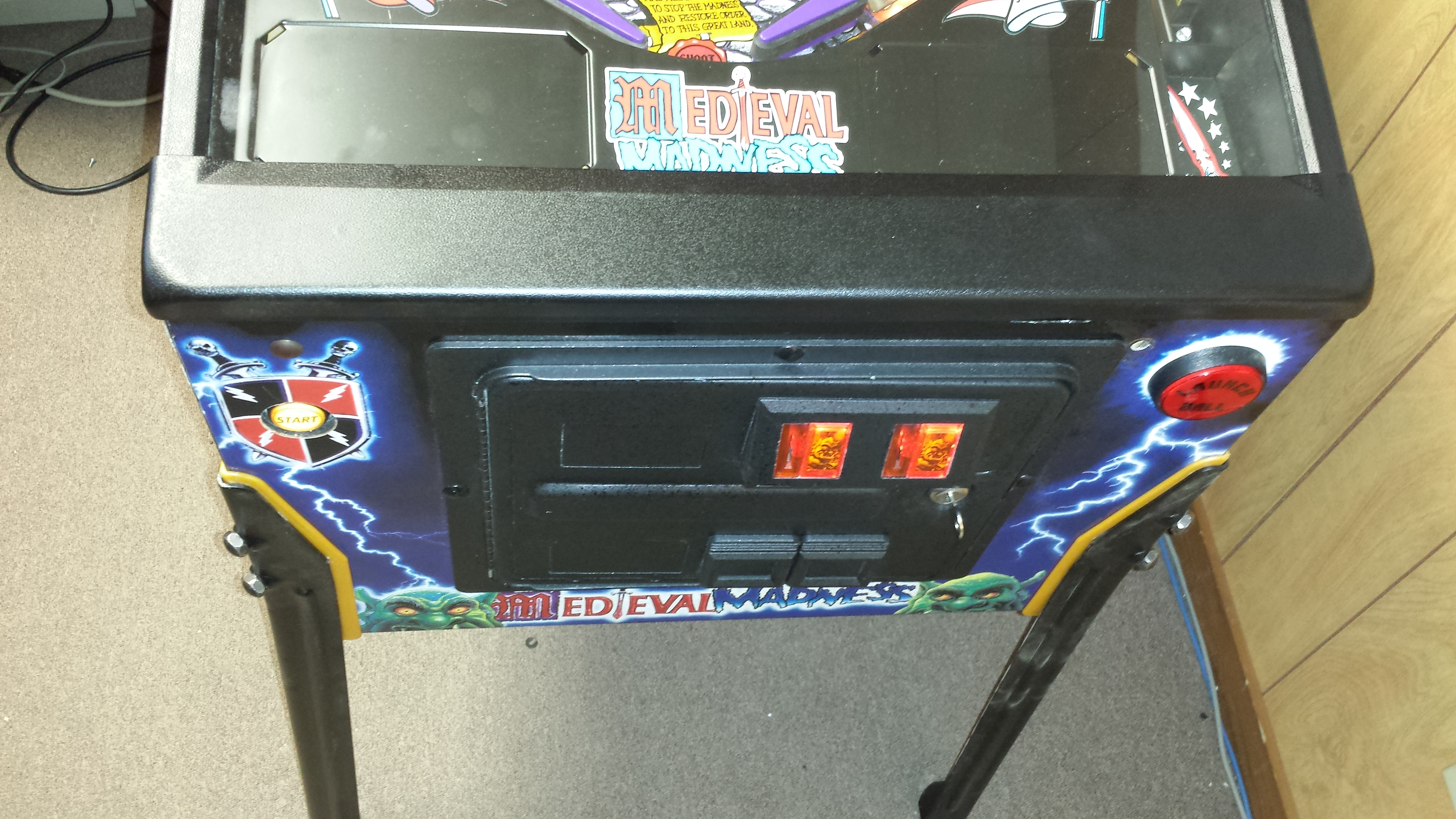
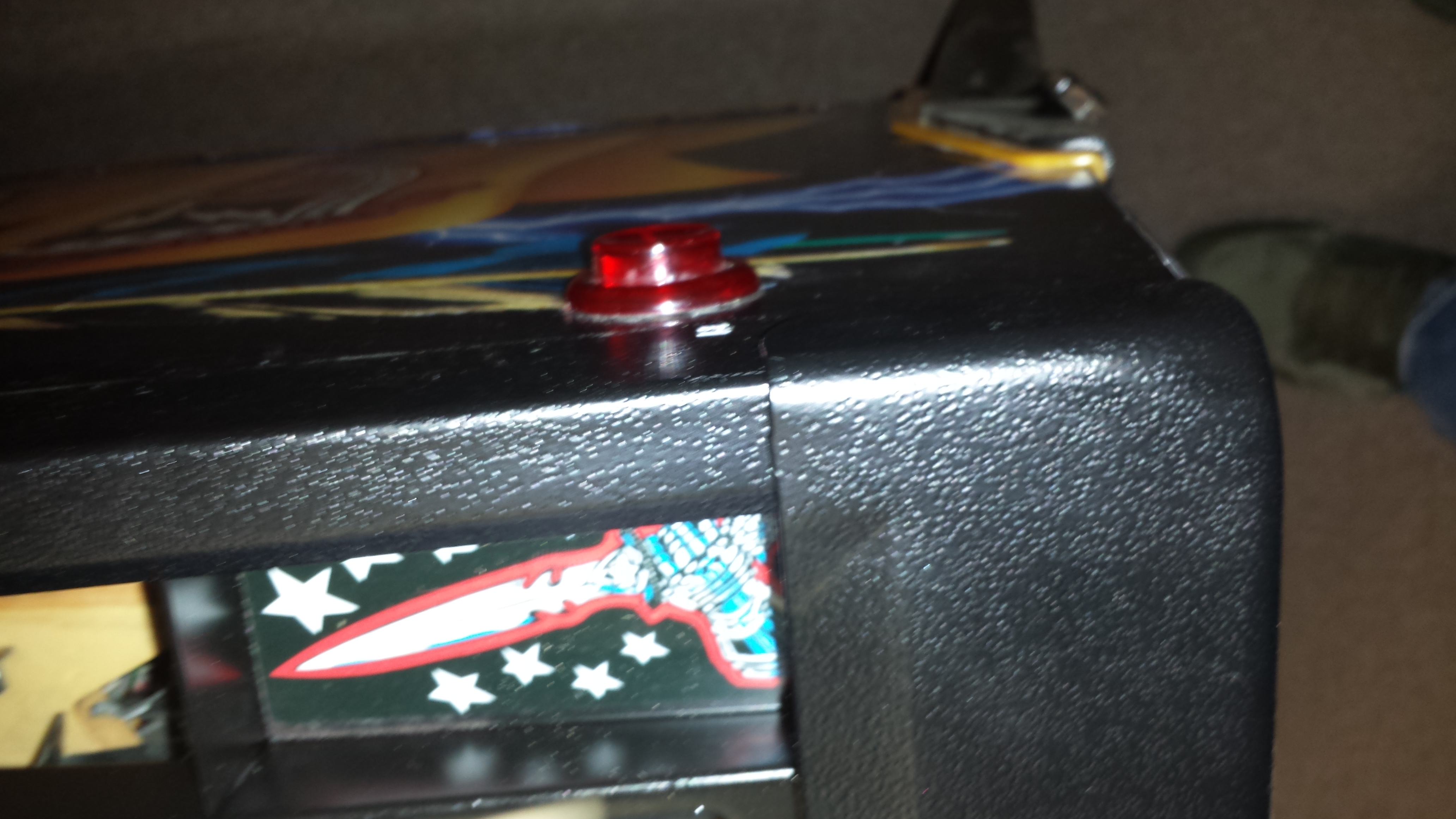
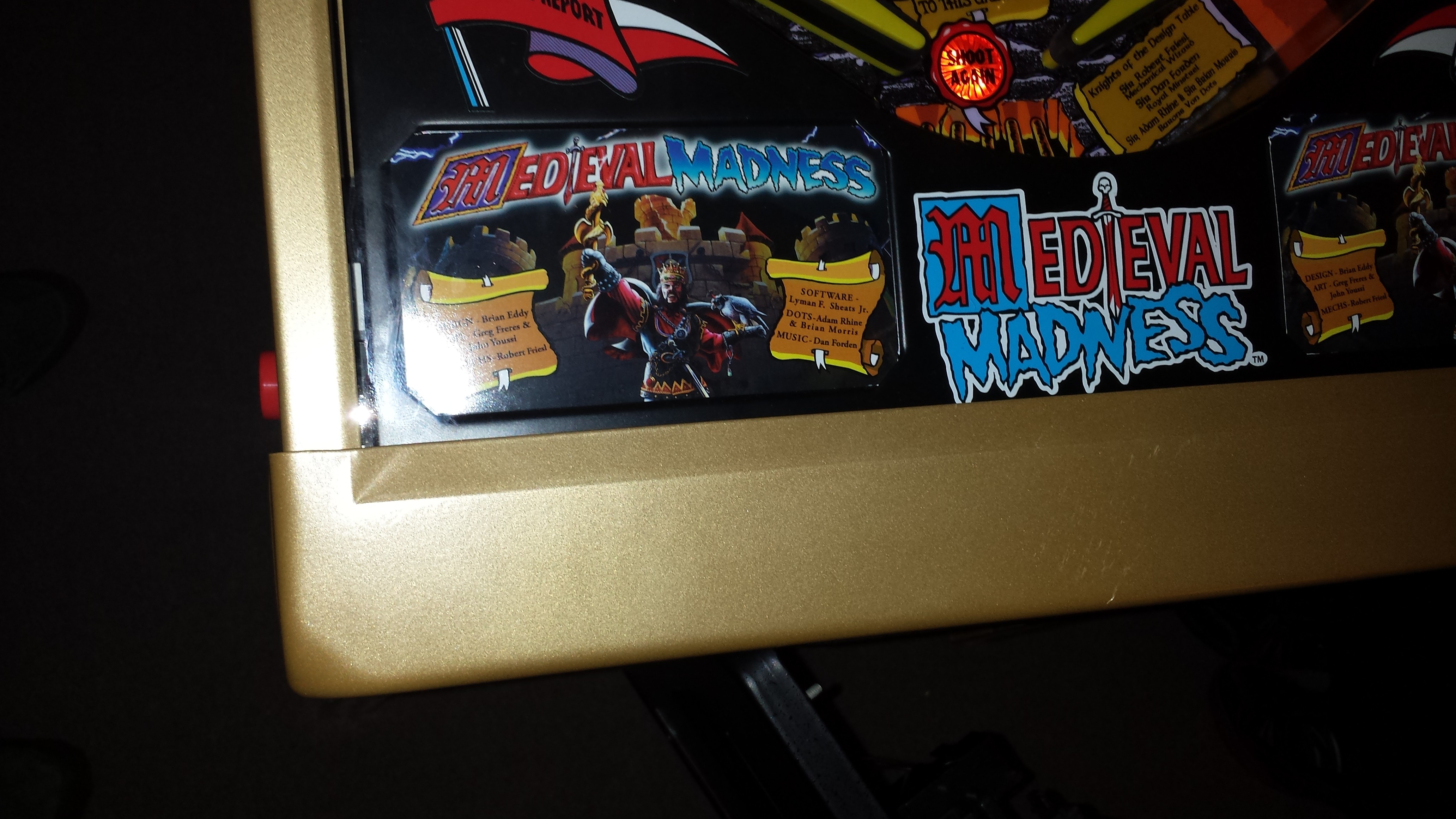
More updated pics
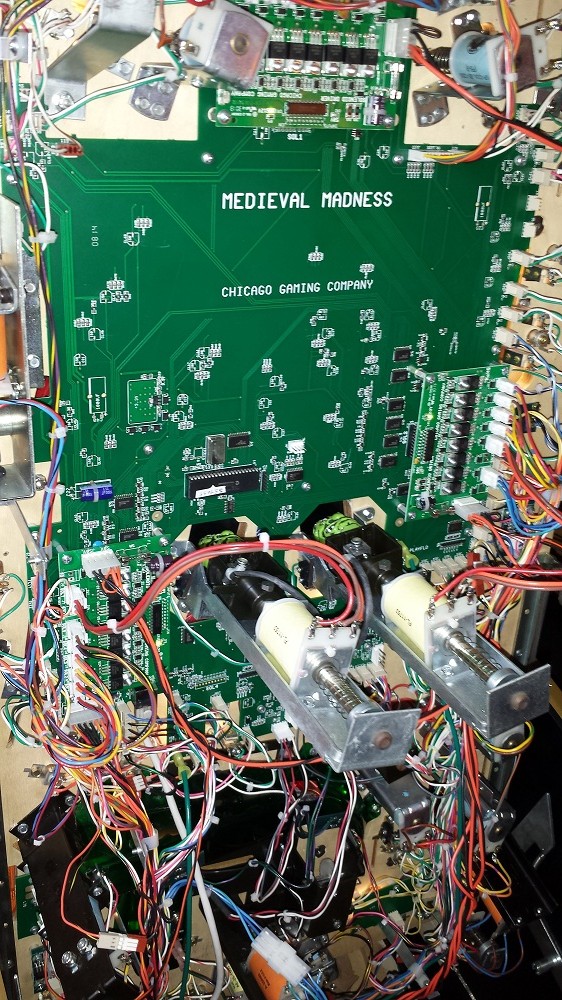
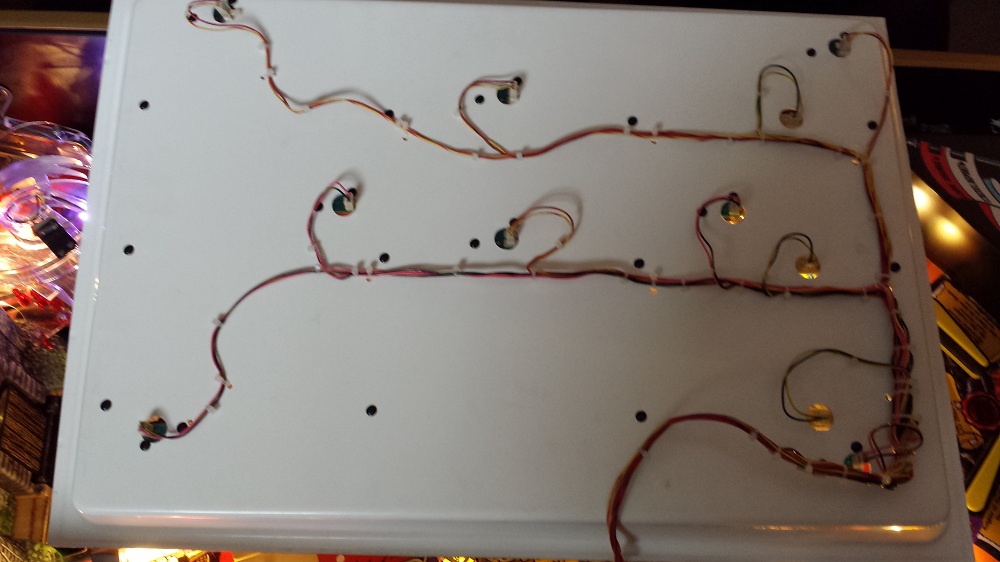
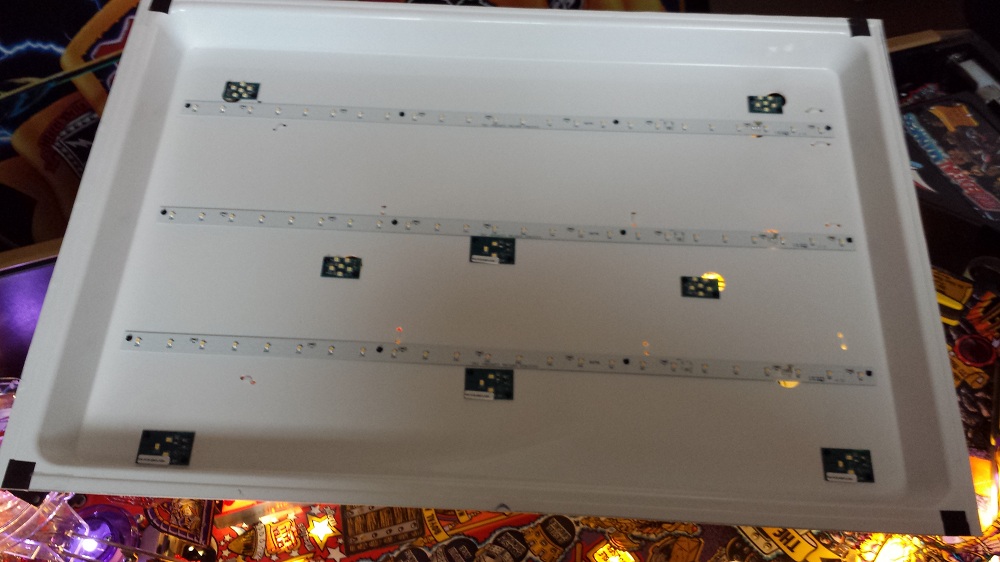
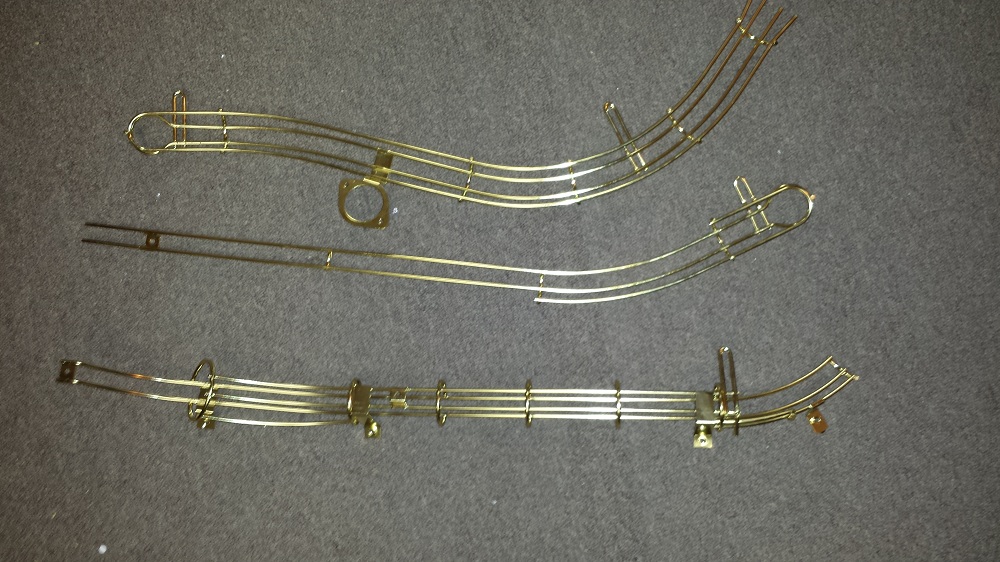
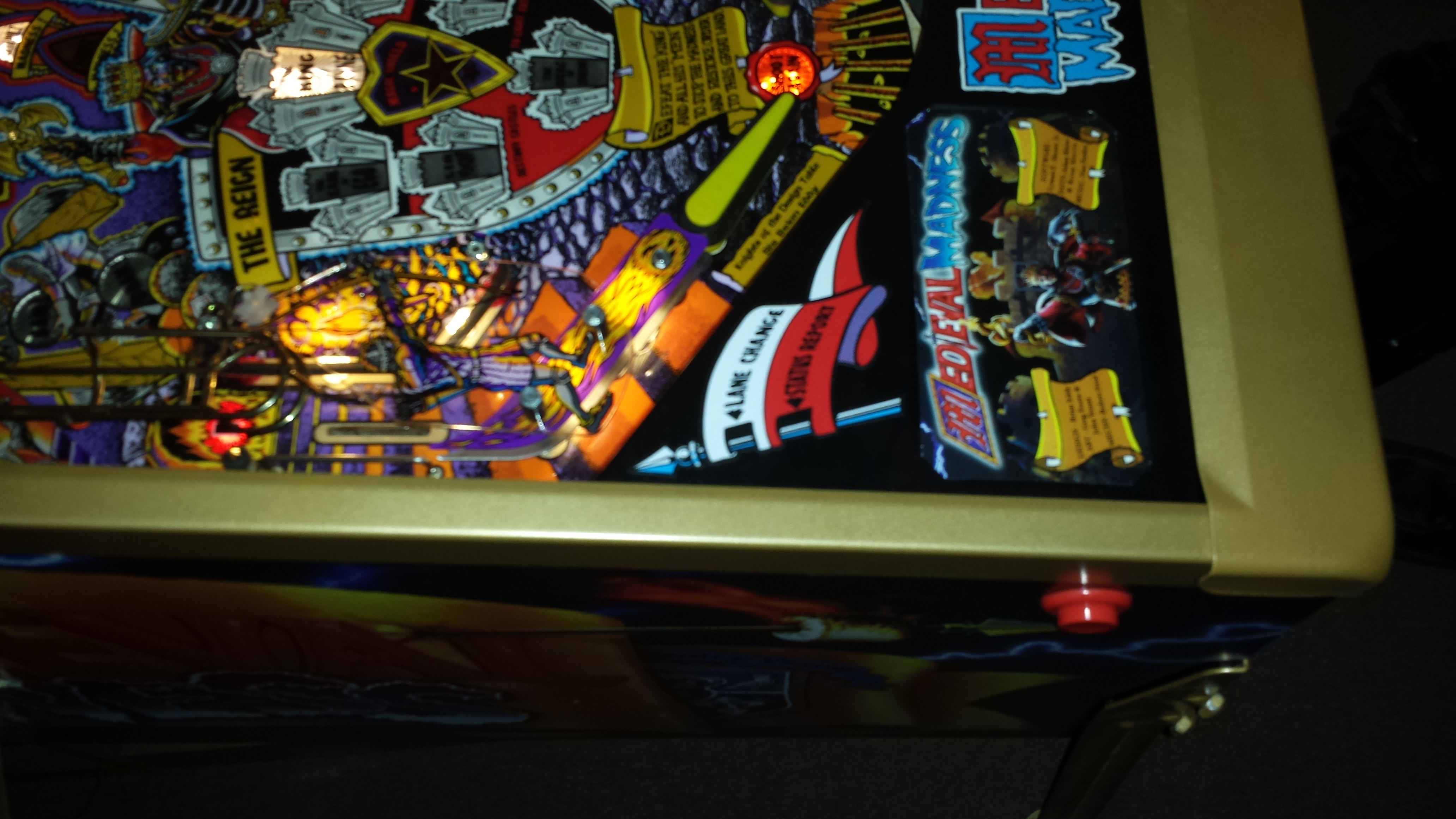
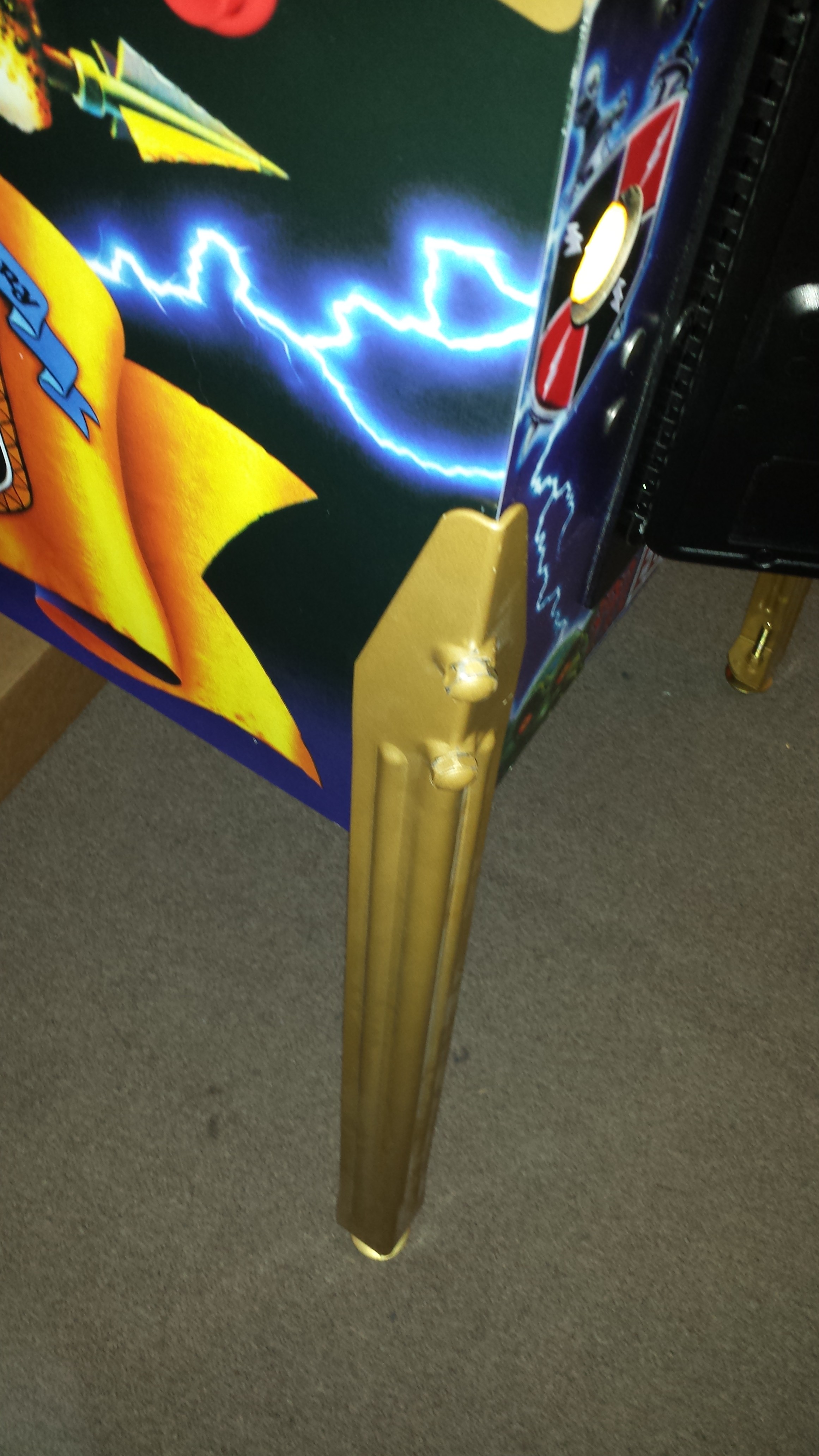
Black and Gold trim
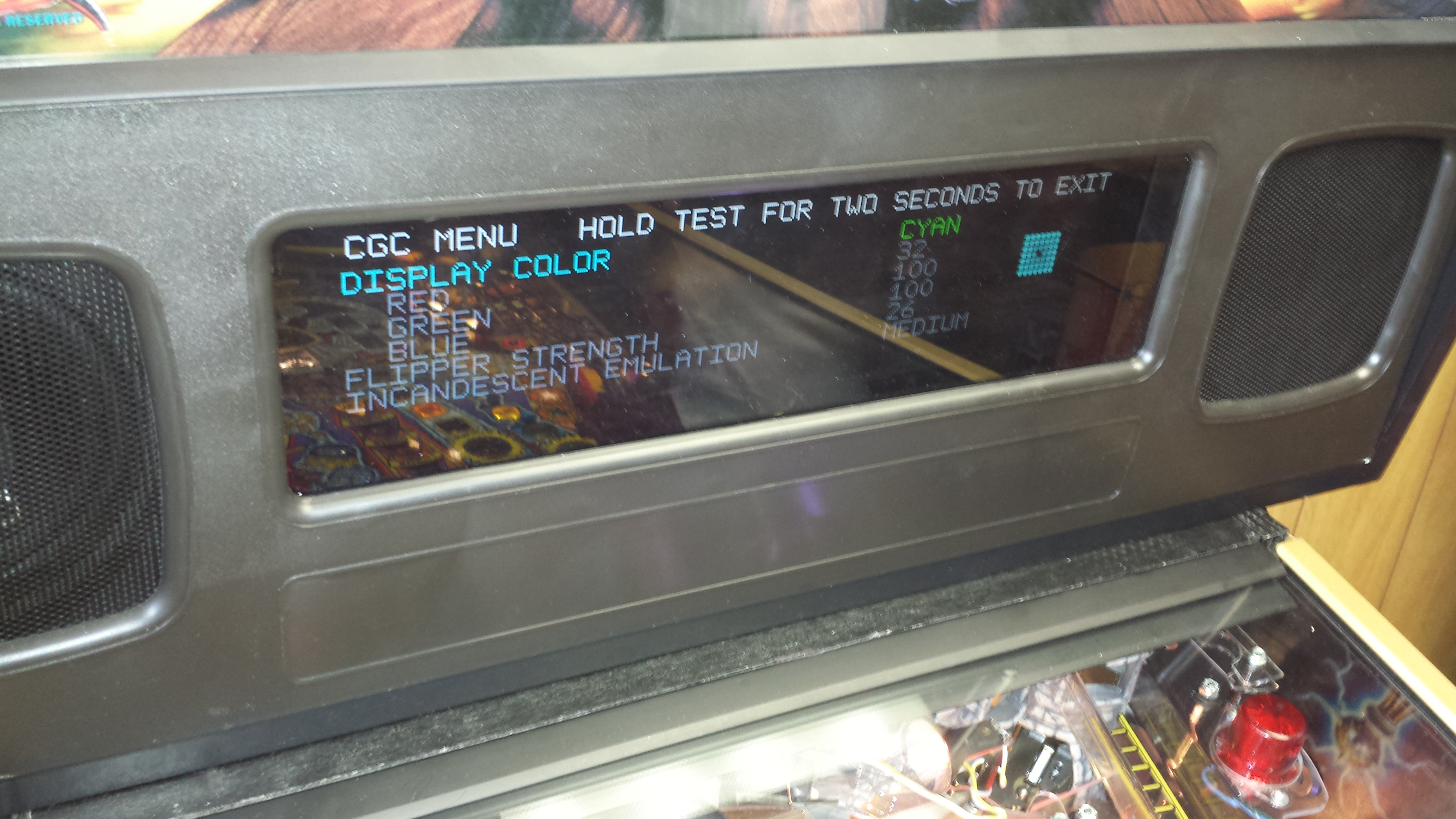
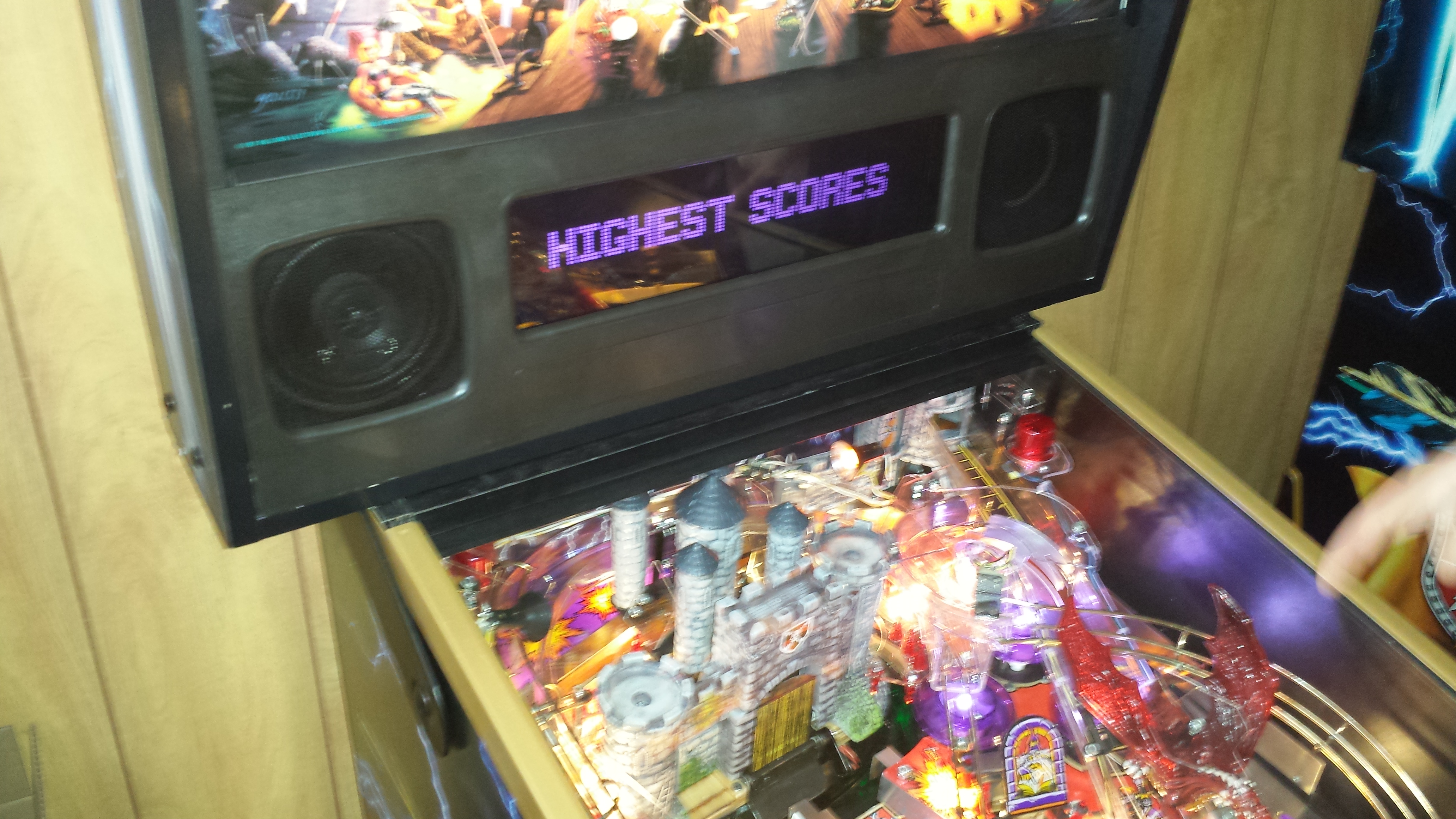
Display Colors – you can now select any RGB color combination to make any color of the display that you want! Simply toggle the settings for Red Green and Blue from 0 to 100 to create your own color … Purple was created and set below … who wants to just have a few colors now you can have 100x100x100 possibilities! The little square on the side shows the color that the display will become.
Flipper Strength Adjustment – now in the control panel! We learned this at the TPF show with the variations in voltage, so now flipper coil strength can be adjusted up/down via the control panel! Settings will be 0 from the factory and you can adjust up/down from there!
Incandescent Emulation – from the show feedback it was clear that people had many different views on what good rampup/rampdown of the LED’s was and different tastes – so now that has been put into software with 4 different settings: SLOW, MEDIUM, FAST, OFF … Off turns off the emulation so that the LED’s will turn on and off quickly then you go thru different levels down to ‘slow’ where rampup and rampdown of the LED’s is a little slower than incandescent bulbs and then 2 other settings Medium and Fast which are in-between. Now done in software to allow flexible settings.
NOTE: this video below was on “SLOW” setting, not sure if converting from MP4 to YouTube keeps everything intact in terms of timing, but you can see especially at the end the slow ramp up/down.
[youtube]https://www.youtube.com/watch?v=NKIAB7xPtso[/youtube]
[youtube]https://www.youtube.com/watch?v=hSFONOypnY4[/youtube]
More updated pics
Black and Gold trim
Display Colors – you can now select any RGB color combination to make any color of the display that you want! Simply toggle the settings for Red Green and Blue from 0 to 100 to create your own color … Purple was created and set below … who wants to just have a few colors now you can have 100x100x100 possibilities! The little square on the side shows the color that the display will become.
Flipper Strength Adjustment – now in the control panel! We learned this at the TPF show with the variations in voltage, so now flipper coil strength can be adjusted up/down via the control panel! Settings will be 0 from the factory and you can adjust up/down from there!
Incandescent Emulation – from the show feedback it was clear that people had many different views on what good rampup/rampdown of the LED’s was and different tastes – so now that has been put into software with 4 different settings: SLOW, MEDIUM, FAST, OFF … Off turns off the emulation so that the LED’s will turn on and off quickly then you go thru different levels down to ‘slow’ where rampup and rampdown of the LED’s is a little slower than incandescent bulbs and then 2 other settings Medium and Fast which are in-between. Now done in software to allow flexible settings.
NOTE: this video below was on “SLOW” setting, not sure if converting from MP4 to YouTube keeps everything intact in terms of timing, but you can see especially at the end the slow ramp up/down.
[youtube]https://www.youtube.com/watch?v=NKIAB7xPtso[/youtube]


